What's the Best Food Tracking App for GLP-1 Users?
Food tracking is one of the most powerful tools for GLP-1 success. It helps you understand what you're eating and why. But with so many apps available, how do you pick the right one?
The best app depends on your goals, budget, and lifestyle. This guide breaks down top options and helps you choose.
Why Food Tracking Matters for GLP-1 Users
When you're on a GLP-1 medication like Ozempic, Mounjaro, or Wegovy, your appetite naturally decreases. Food tracking helps you make that smaller appetite count.
Here's what tracking does for you:
- Shows you how much protein you're actually eating
- Reveals hidden calories in drinks and condiments
- Helps you spot patterns that trigger nausea or side effects
- Keeps you accountable without feeling restrictive
- Provides data to share with your healthcare provider
GLP-1 medications work best when combined with whole foods and adequate protein. Tracking makes this easier.
Top Food Tracking Apps for GLP-1 Users
MyFitnessPal
Best for: Beginners and detailed tracking
MyFitnessPal is the most popular calorie and macro tracking app. It has a massive food database with over 14 million foods.
Key features:
- Barcode scanning for quick logging
- Detailed macro breakdowns (protein, carbs, fat)
- Free and premium versions
- Integration with fitness trackers
- Community support and forums
Cost: Free with ads; Premium starts at $10.99/month
Good fit if: You want simplicity and a huge food database. The free version works well for most people.
Cronometer
Best for: Nutrient tracking and micronutrients
Cronometer goes deeper than calories. It tracks vitamins, minerals, and micronutrients your body needs.
Key features:
- Tracks over 80 micronutrients
- Excellent for identifying nutritional gaps
- Clean, simple interface
- Syncs with Apple Health and Fitbit
- Recipe builder feature
Cost: Free with limited features; Premium at $3.99/month
Good fit if: You care about overall nutrition, not just calories. Great for users concerned about nutrient deficiencies on GLP-1s.
Lose It!
Best for: Flexible, sustainable tracking
Lose It! focuses on sustainable weight loss without being overly restrictive. It emphasizes whole foods and healthy choices.
Key features:
- Personalized calorie goals based on your needs
- Barcode scanner and photo recognition
- Premium coaching options
- Meal planning tools
- Integration with fitness devices
Cost: Free version available; Premium at $9.99/month
Good fit if: You want a balanced approach that doesn't feel like deprivation.
Carb Manager
Best for: Low-carb and macro-focused tracking
Carb Manager is designed for people following low-carb or keto approaches. Many GLP-1 users find this helpful.
Key features:
- Detailed macro tracking
- Low-carb meal plans and recipes
- Net carbs vs. total carbs tracking
- Community recipes and meal ideas
- Nutrition coaching available
Cost: Free with ads; Premium at $9.99/month
Good fit if: You're focusing on protein and managing carbs carefully.
Dose AI (Integrated GLP-1 Support)
Best for: GLP-1 users specifically
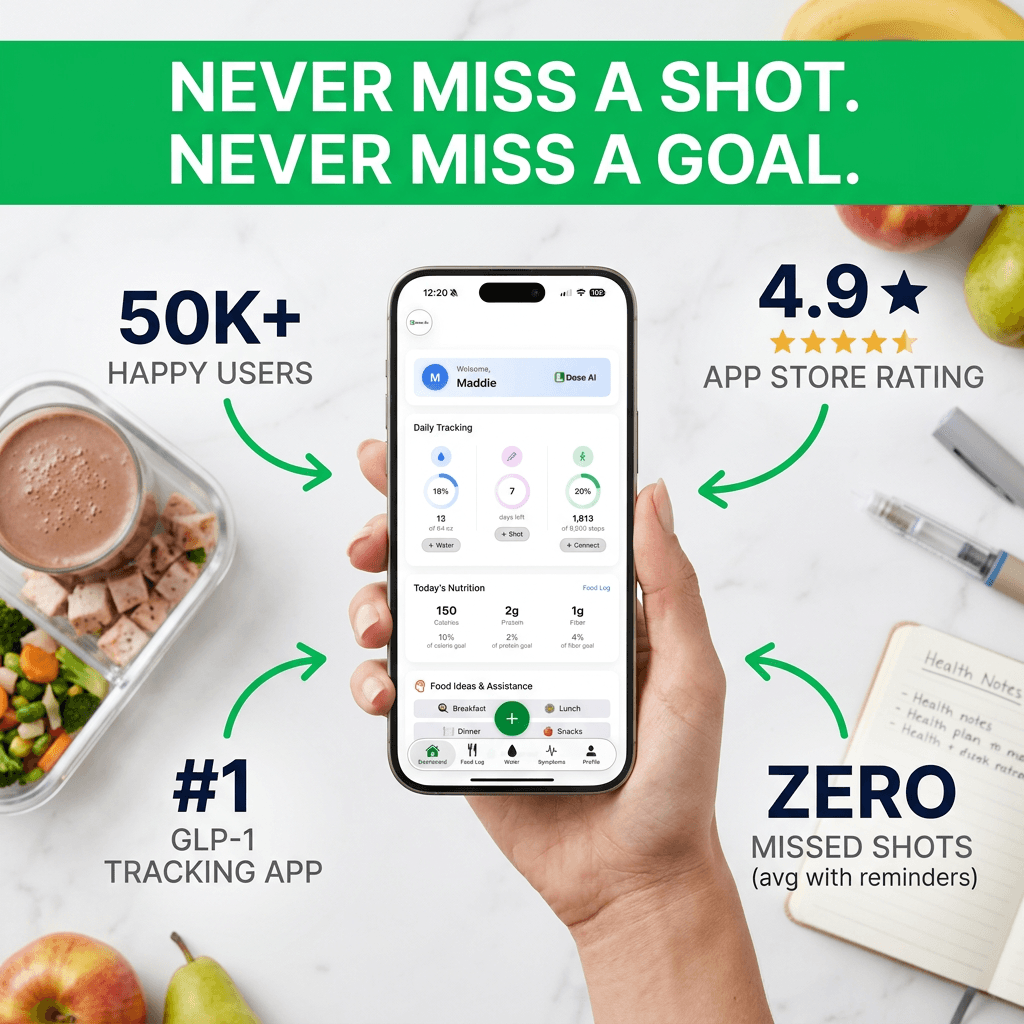
Dose AI is built specifically for people taking GLP-1 medications. It combines food tracking with shot logging and symptom tracking.
Key features:
- Photo-based food logging with AI macro analysis
- Shot logging to track when you take your medication
- Symptom tracker to identify food triggers
- Water logging to prevent dehydration
- Progress tracker with photos and weight
- Personalized food idea assistant
- Integration with your GLP-1 journey
Cost: Varies by subscription tier
Good fit if: You want an app designed specifically for GLP-1 users. The integrated features help you see how food affects your symptoms and progress.
What Features Matter Most for GLP-1 Users?
Not all food tracking apps are created equal. Here's what to prioritize:
Macro Tracking (Protein is Key)
GLP-1 users should aim for 100-130 grams of protein daily. An app that clearly shows protein intake is essential.
Look for apps that:
- Display protein prominently
- Show macros as percentages and grams
- Let you set custom macro goals
Portion Size Recognition
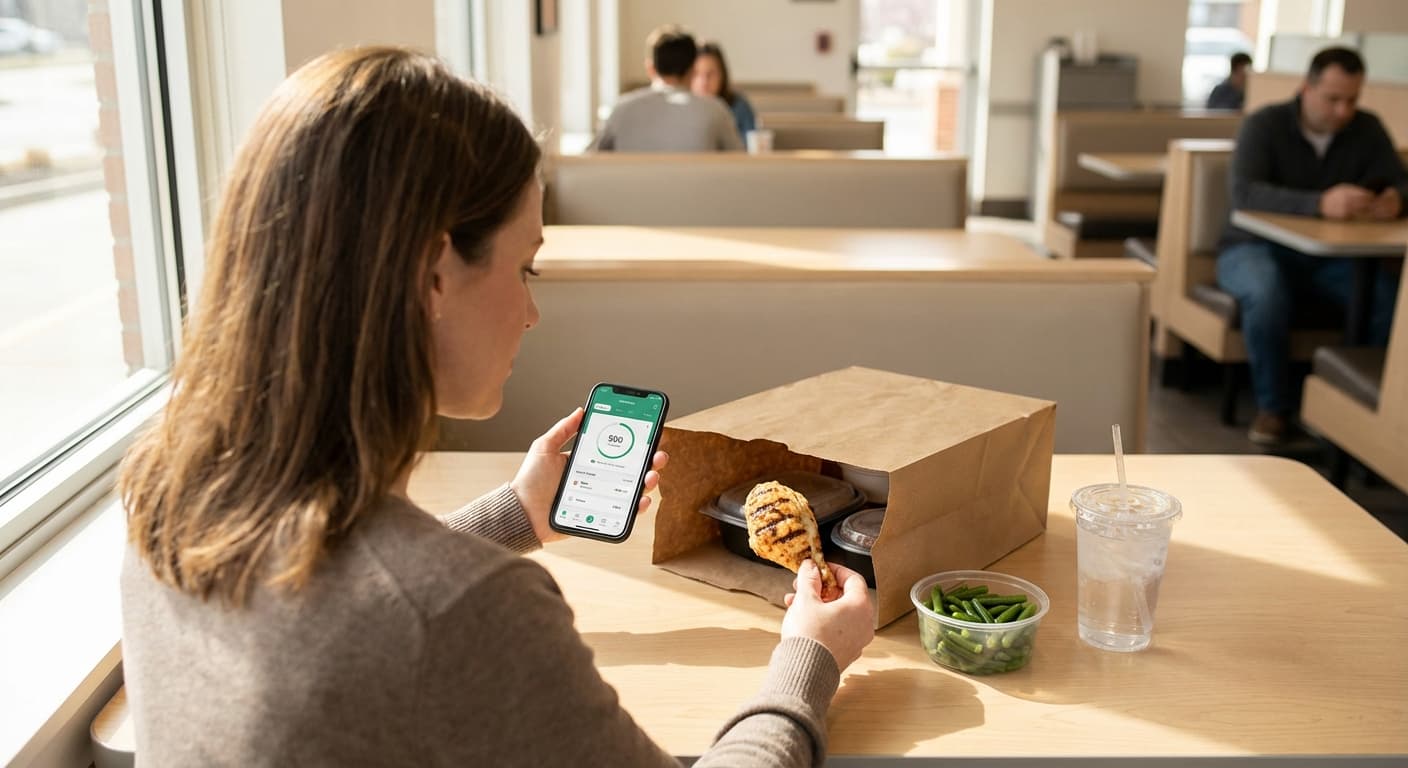
With a smaller appetite, portion sizes matter more. Photo-based logging helps you see actual portions.
Best features include:
- Barcode scanning for accuracy
- Photo recognition of meals
- Easy portion size adjustments
Side Effect Tracking
GLP-1 medications can cause nausea, constipation, or other side effects. Tracking what triggers them is valuable.
Ideal features:
- Symptom logging capability
- Ability to note how foods make you feel
- Pattern recognition over time
Ease of Use
The best app is the one you'll actually use. A complicated app gets abandoned.
Consider:
- How fast can you log a meal?
- Is the interface intuitive?
- Does it work offline?
How to Choose Your Food Tracking App
Step 1: Identify Your Main Goal
Are you tracking for weight loss? Protein intake? Managing side effects? Your goal shapes which app works best.
Step 2: Try the Free Version First
Most apps offer free versions. Test at least two or three before paying.
Step 3: Check for GLP-1 Features
Does the app acknowledge GLP-1 users? Some apps now include GLP-1-specific meal plans and macro targets.
Step 4: Look at Integration Options
If you use fitness trackers, smartwatches, or other health apps, check compatibility.
Step 5: Consider Your Budget
Free apps work well for most people. Premium features are nice but not always necessary.
Tips for Successful Food Tracking on GLP-1
Start Simple
You don't need to track everything perfectly. Track your first week to establish a baseline.
Focus on Protein First
Before worrying about calories, make sure you're hitting your protein goal. This prevents muscle loss and keeps you full.
Log Meals Right Away
Track food immediately after eating. Your memory gets fuzzy after a few hours.
Don't Skip Liquids
Beverages add calories and sugar. Log coffee creamer, juice, and alcohol.
Use Your App Data
Review your logs weekly. Look for patterns in:
- What you're eating
- When you're eating most
- What triggers side effects
- Your energy levels
Connect with Dose AI Features
If using Dose AI, link your food logs with:
- Shot logging to see timing effects
- Symptom tracking to identify food triggers
- Progress tracking to celebrate wins
Common Questions About Food Tracking Apps
Do I Have to Track Forever?
No. Most people use tracking as a learning tool for 2-4 weeks. Once you understand portions and nutrition, you can track less frequently or stop entirely.
What if I Miss Logging a Meal?
Don't stress. One missed meal won't derail your progress. Just log your next meal and move forward.
Should I Count Calories on GLP-1?
Calorie counting is less important on GLP-1 than it was before. Focus on protein, whole foods, and how you feel. Your appetite naturally regulates intake.
Can I Eat Out and Still Track?
Absolutely. Most apps have restaurant foods in their databases. You might estimate portions, but tracking is still helpful.
Is One App Better Than Others for GLP-1?
It depends on your needs. MyFitnessPal offers the biggest database. Cronometer provides the best nutrition detail. Dose AI is built specifically for GLP-1 users. Try a few and pick what feels natural.
The Bottom Line
The best food tracking app is the one you'll actually use consistently. Most popular apps work well for GLP-1 users.
Start with a free version. Track for 2-4 weeks to understand your eating patterns. Then decide if you want premium features or a different app.
Remember: Food tracking is a tool, not a punishment. It helps you make informed choices and see your progress. Choose an app that feels supportive and easy to use.
Related Dose AI Blog Posts
- How Much Protein Do You Need on Ozempic?
- Best Whole Foods for GLP-1 Users
- Managing GLP-1 Side Effects with Nutrition
- How to Meal Plan for Weight Loss on Wegovy
Medical Disclaimer
This article is for informational purposes only and does not replace professional medical advice. Food tracking is a supportive tool, not a substitute for medical treatment.
Always consult your healthcare provider before making significant dietary changes or starting any new medication. If you experience severe side effects or have concerns about your nutrition, contact your doctor immediately.
The information in this article is based on general medical knowledge and current research as of 2025. Individual needs vary. Your healthcare provider can recommend the best approach for your specific situation and medication.
Sources:
- National Institutes of Health (NIH) - Nutrition and Weight Management: https://www.nih.gov/
- American Diabetes Association (ADA) - Nutrition Recommendations: https://www.diabetes.org/