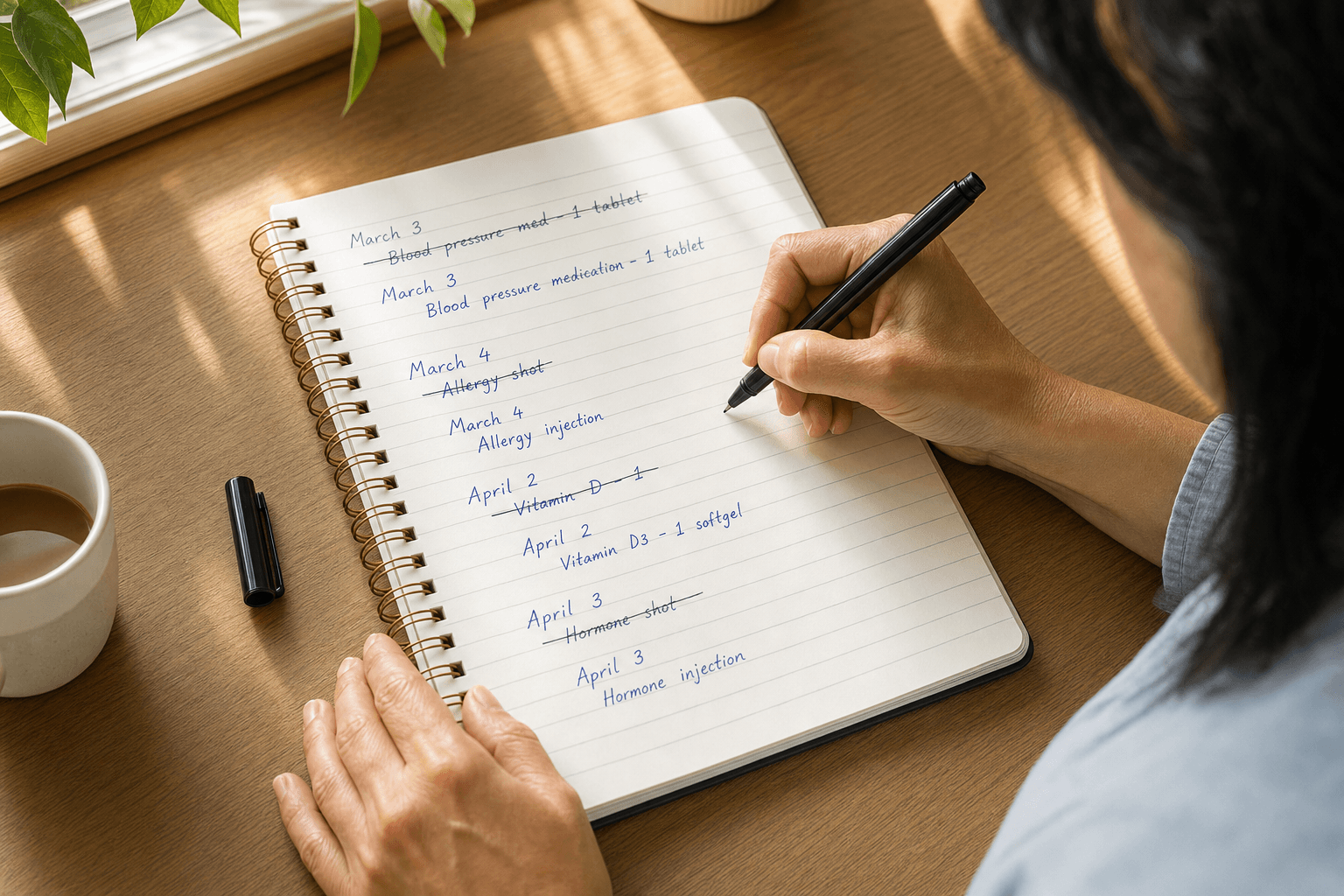

When a new calendar year arrives, the last thing you want is to lose track of how many shots you've taken or break the continuity of your routine. If you're using a record-keeping app to organize your GLP-1 shots, the year change shouldn't force you to start over.
The key is to use a tracking system that separates your shot history from the calendar. Your dose count and injection records should roll forward unchanged, even as the date field flips to January. This way, shot 47 stays shot 47 whether it happens in December or January, and your titration history remains intact.
Why Year Transitions Break Shot Tracking
Many tracking methods—spreadsheets, calendar apps, or even some dose-tracking tools—tie your shot history to the calendar year. When January 1 arrives, you either manually renumber everything or start a new sheet. Both approaches create friction and risk.
Renumbering loses the thread of your actual dose sequence. If you've taken 52 shots across two years, calling the January shot "shot 1" instead of "shot 53" obscures how long you've been on your routine and makes it harder to spot patterns in your records.
Starting a new sheet splits your history into separate files. Now you have to flip between two documents to see your full trajectory, and you lose the ability to scan a single, continuous log.
The cleaner approach is to use a tool designed to keep records flowing across calendar boundaries without manual intervention.
How Continuous Numbering Preserves Your Routine
A shot-tracking system that maintains continuous numbering treats your dose history as a single, unbroken sequence. Your first shot is shot 1. Your 50th shot is shot 50. Your 100th shot is shot 100. The calendar year is just metadata attached to each entry—it doesn't reset the count.
This matters because your routine doesn't follow the calendar. You may have started your GLP-1 shots in September. Your first-year anniversary isn't January 1; it's September 1 of the following year. Forcing your records to align with the calendar year creates artificial breakpoints that don't match your actual experience.
Continuous numbering also makes it easier to reference your own records in conversation with your pharmacy or in your personal notes. "I'm on shot 67" is unambiguous. "I'm on shot 17 of the new year" requires context.
Choosing a Tracker That Doesn't Reset
Not all tracking tools handle year transitions well. Before you commit to a system, ask these questions:
Does the app auto-increment shot numbers across calendar years? Some apps let you manually override numbering, but that's extra work. The best systems increment automatically and don't require any intervention on your part.
Can you see your full history in one view? You should be able to scroll back through all your shots—from January of last year through December of this year—without switching between separate records or files.
Does the app preserve all your notes and dates? When the year changes, your existing entries should stay exactly as they are. No renumbering, no archiving, no cleanup.
Is the data portable? If you ever switch trackers, you should be able to export your complete shot history and import it into a new system without losing continuity.
Setting Up Your Records for Continuity
If you're starting fresh with a new tracker, set it up correctly from the beginning:
- Enter your start date accurately. If your first shot was September 15, 2023, enter that exact date. Don't round to the nearest year boundary.
- Use consistent naming. If you call your first shot "shot 1," keep that convention. Don't switch to "dose 1" or "injection 1" partway through.
- Record the full date for each shot. Include the month and day, not just the day of the week. This makes it easy to verify continuity later.
- Keep notes attached to each entry. If you record dose changes, side-effect notes, or site-rotation details, attach them to the specific shot date. These notes travel with the entry across year boundaries.
What Happens on January 1
When you take your first shot of the new year, here's what should happen automatically:
- You log the shot with today's date (January 1, 2025, for example).
- The app increments your shot count to the next number in the sequence (shot 53, if your last shot of 2024 was shot 52).
- All your 2024 shots remain visible and unchanged in your history.
- You can still filter or view shots by calendar year if you want, but your primary count never breaks.
No manual work. No renumbering. No new file. Just the next entry in your continuous log.
Dose AI's Continuous Shot Log
Dose AI maintains your shot history as a single, unbroken sequence regardless of calendar year. When you log a shot, it increments your shot count automatically and records the full date. Your entire history—from your first shot to today—is stored in one continuous log that you can scroll through anytime.
The app doesn't archive old shots or separate your records by year. Your dose history is your dose history. The calendar is just the date stamp on each entry.
If you ever need to review your full trajectory—to compare how you felt on shot 15 versus shot 65, or to verify your titration schedule across months—everything is there in chronological order without gaps or resets.
FAQ
How do I know if my tracker will preserve my shot count across years?
Check your app's settings or help documentation for language about "continuous numbering" or "unbroken history." If the app has a feature to manually renumber shots or archive old records, that's a sign it doesn't handle year transitions automatically. Look for an app that simply increments the next shot number based on your last entry, regardless of date.
What if I used a different tracker last year and want to migrate to a new one?
Export your old shot history (as a CSV or PDF if possible) and import it into your new tracker. Most modern trackers allow bulk import. Make sure the new app preserves your original shot numbers and dates during the import process. If it renumbers automatically, ask the support team how to preserve your continuous count.
Can I view only shots from a specific calendar year if I want to?
Yes. Most trackers let you filter by date range, so you can view "all shots in 2024" or "all shots in January" without affecting your overall shot count. The continuous numbering is your primary view, but filtering by year is still available for reference.
What if I took a break from shots and want to keep the same number sequence when I restart?
Your tracker should let you add a note or flag to indicate a pause. When you resume, the next shot increments normally from where you left off. You don't renumber or start over; you just continue the sequence with a gap in the dates.
How do I make sure my shot history syncs across my devices as the year changes?
Use an app that syncs to the cloud (not just local storage). Dose AI syncs your shot log across all your devices, so your continuous history is the same on your phone, tablet, or any other device you use. When you log a shot on one device, it appears on all of them with the same number and date.