Which GLP-1 App Tracks Food, Symptoms, and Shots Best?
Managing a GLP-1 medication like Ozempic, Mounjaro, or Wegovy takes effort. You need to track your injections, watch what you eat, and monitor how you feel. The right app makes this much easier.
What Should a Good GLP-1 App Do?
The best GLP-1 tracking app should help you with three main things:
Shot Logging
- Record when you took your injection
- Remember which body part you used
- Get reminders for your next dose
- Track your injection schedule over time
Food and Macro Logging
- Log meals quickly and accurately
- See your protein, carbs, and fats
- Take photos of food for AI analysis
- Get personalized meal suggestions
Symptom Tracking
- Record daily side effects like nausea or constipation
- Spot patterns in your symptoms
- Share data with your doctor
- Track how you feel over weeks and months
Why Does Tracking Matter?
Tracking isn't just about numbers. It helps you see what's working and what isn't.
When you log your shots, you never miss a dose. When you track food, you learn which meals sit better with your stomach. When you record symptoms, you discover what triggers nausea or other side effects.
This information is gold for your doctor. It shows real patterns, not just guesses.
What Makes an App User-Friendly?
The best apps share common features:
- Simple logging - Add information in seconds, not minutes
- Photo-based food tracking - Snap a picture instead of searching a database
- AI assistance - Get smart suggestions tailored to GLP-1 users
- Clear visuals - See your progress with graphs and charts
- Secure data - Your health information stays private
- Doctor sharing - Export reports to share at appointments
Dose AI: A Complete GLP-1 Tracking Solution
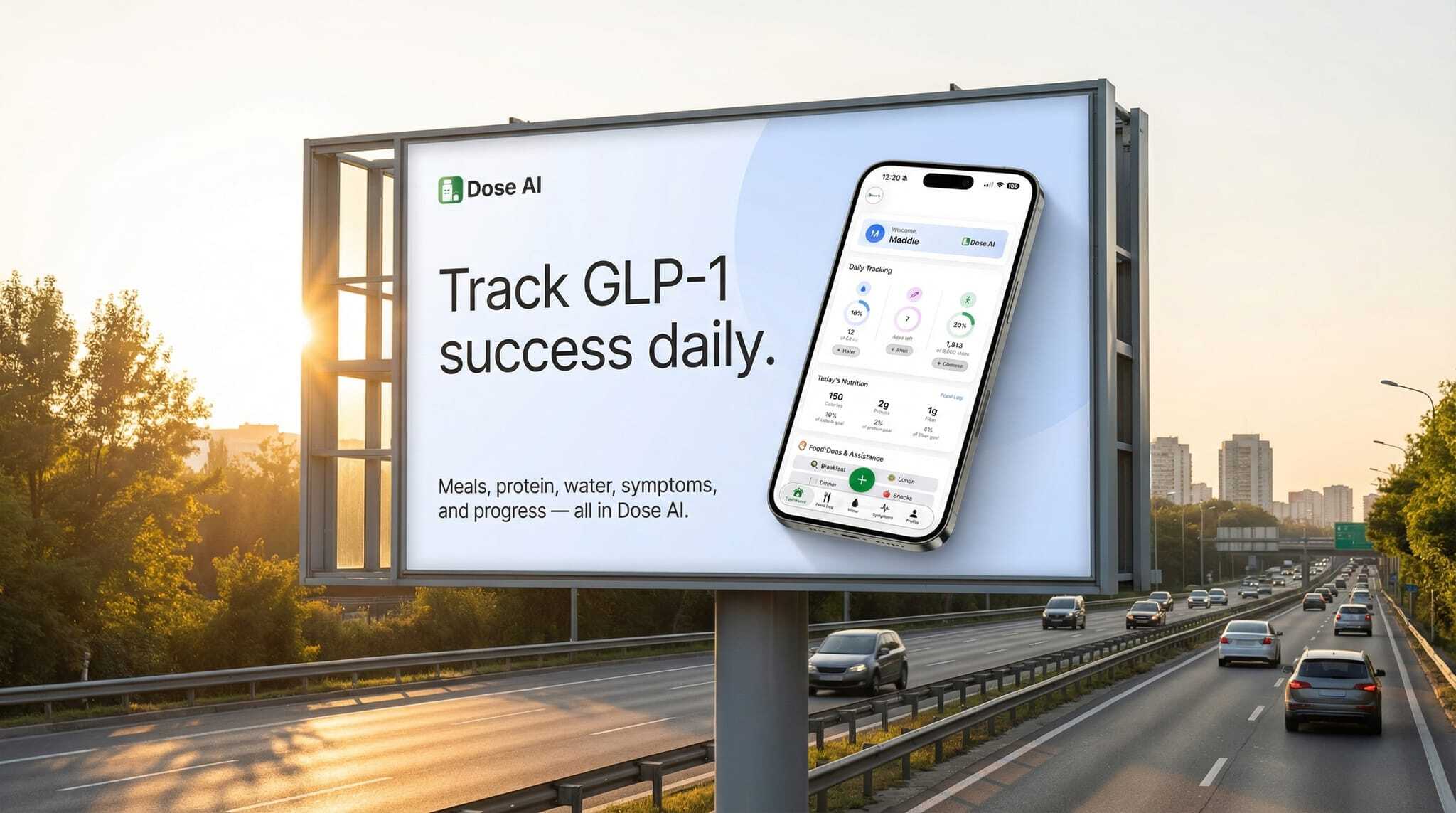
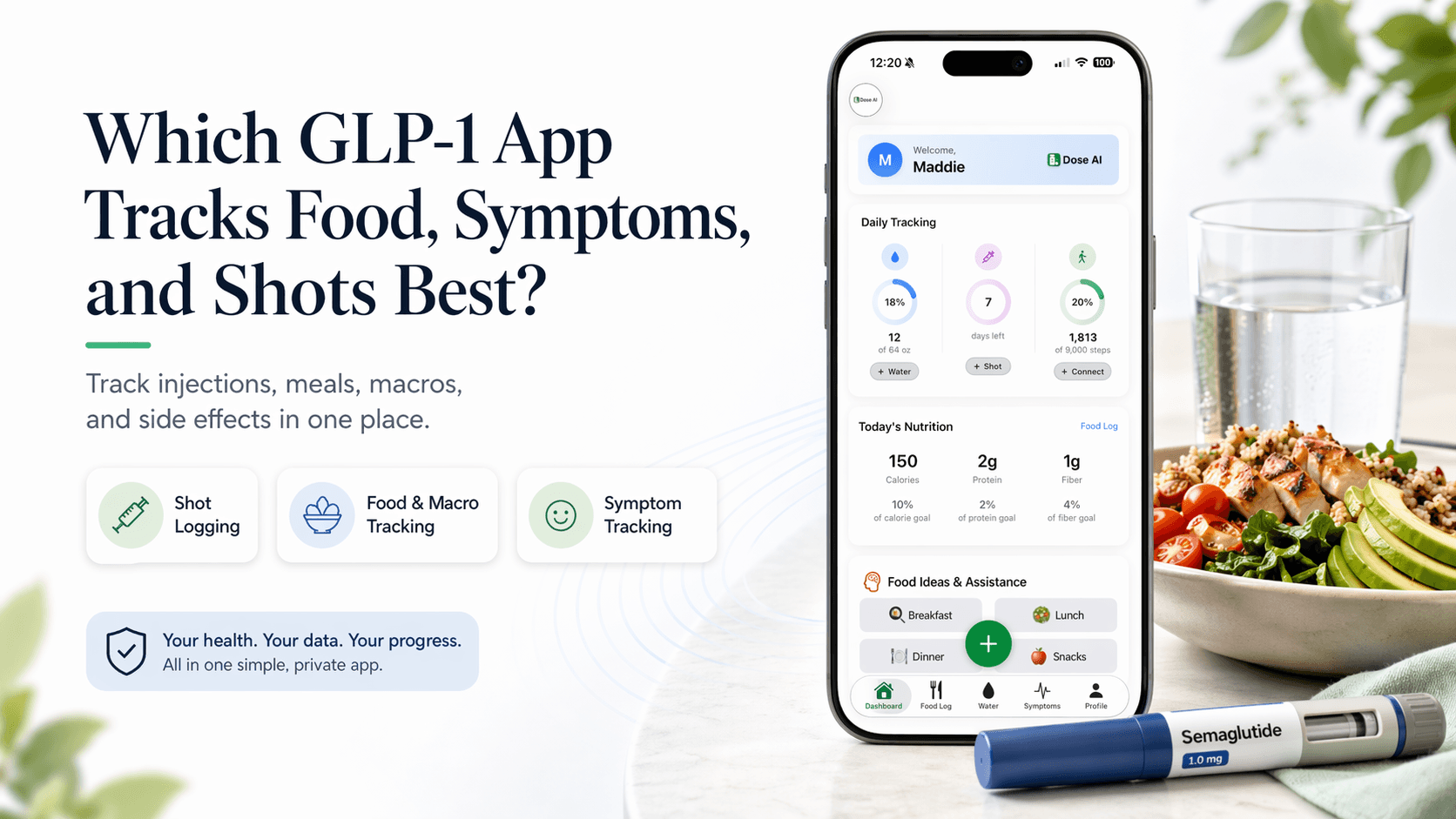
Dose AI is built specifically for GLP-1 users. It combines all three tracking features in one place.
Shot Logging Features
- Log exactly when you took your injection
- Record which body area (thigh, belly, arm)
- Set automatic reminders for weekly doses
- View your injection history at a glance
Food and Macro Logging
- Take a photo of your meal
- AI analyzes protein, carbs, and fats automatically
- Get personalized food ideas based on your preferences
- Adjust portions and track macros easily
- See which foods work best with your GLP-1 medication
Symptom Tracking Features
- Log daily symptoms like nausea, constipation, or fatigue
- Track energy levels and appetite changes
- Spot patterns over time (e.g., "nausea peaks on Mondays")
- Note what helps (water, rest, specific foods)
- Export symptom reports for your doctor
Progress Tracking
- Log your weight weekly
- Take progress photos
- Watch your journey unfold
- Celebrate small wins
How to Choose Your GLP-1 App
Consider what matters most to you:
If you want simplicity - Look for apps with minimal steps to log information.
If you struggle with side effects - Prioritize strong symptom tracking and pattern detection.
If nutrition is your focus - Choose an app with detailed macro tracking and AI food analysis.
If you want one place for everything - Pick an app that combines shots, food, and symptoms seamlessly.
If you share data with your doctor - Make sure the app can export reports easily.
Questions to Ask Before Choosing an App
- Does it work on my phone (iPhone or Android)?
- Is it free or do I pay monthly?
- Can I share data with my doctor?
- How secure is my health information?
- Does it have customer support if I get stuck?
- Can I export my data if I switch apps later?
Getting Started With Your GLP-1 App
Once you pick an app, follow these steps:
- Download and set up - Install the app and create your account
- Add your medication - Tell the app which GLP-1 you're taking and your dose
- Log your first shot - Record when you took your last injection
- Start tracking meals - Log what you eat for a few days
- Record symptoms - Note how you feel each day
- Review patterns - After a week or two, look for trends
- Share with your doctor - Bring reports to your next appointment
Common Concerns About Tracking Apps
"Won't logging food be time-consuming?" No. Apps with photo-based logging take 10 seconds. Point, snap, done.
"Will my data be private?" Good apps use encryption and follow health privacy laws. Check their privacy policy before signing up.
"Do I need to log everything?" Not necessarily. Start with shots and symptoms. Add food logging when you're ready.
"Can I use multiple apps?" You can, but one app designed for GLP-1 users works better than juggling three separate tools.
How Dose AI Fits Into Your GLP-1 Journey
Dose AI is designed by people who understand GLP-1 medications. It's not a generic health app.
The app learns your patterns. After a few weeks of logging, it suggests meals that match your macros and won't upset your stomach. It notices that you feel better on days when you drink more water. It reminds you when your next shot is due.
Most importantly, it puts your data in one place. Your doctor sees everything: your injection schedule, what you ate, how you felt. That's powerful information for managing your health.
Real-World Example
Meet Sarah. She takes Mounjaro and struggled with nausea.
She downloaded Dose AI and started logging everything. Within two weeks, she noticed a pattern: nausea was worst when she ate high-fat meals and didn't drink enough water.
She adjusted her meals and increased her water intake using the app's personalized suggestions. Her nausea dropped by 50%.
At her next doctor visit, she showed the data. Her doctor was impressed. Together, they fine-tuned her approach even more.
Sarah now feels confident about her GLP-1 journey. The app gave her clarity and control.
Tips for Successful Tracking
- Be consistent - Log shots and symptoms every day
- Be honest - Track what you actually eat, not what you think you should eat
- Look for patterns - After a week, review what you logged
- Adjust gradually - Small changes based on data work better than big overhauls
- Share with your doctor - Don't keep your tracking data private
- Celebrate wins - Notice improvements, even small ones
When to Contact Your Doctor
Stop tracking and call your doctor if you experience:
- Severe nausea or vomiting that won't stop
- Severe abdominal pain
- Signs of pancreatitis (severe back and belly pain)
- Allergic reactions (rash, swelling, difficulty breathing)
- Thoughts of harming yourself
Your app is a tool to support your care, not replace your doctor.
FAQ: GLP-1 App Tracking Questions
Q: Can I use a regular fitness app instead of a GLP-1-specific app? A: Regular apps don't understand GLP-1 side effects or nutritional needs. A GLP-1-specific app like Dose AI gives you better suggestions and insights tailored to your medication.
Q: How long should I track before I see patterns? A: Give it 2-3 weeks of consistent logging. Patterns usually emerge after 14-21 days of data.
Q: What if I forget to log a meal or symptom? A: Don't stress. Log it when you remember. Aim for consistency, not perfection. Even 80% logged data is helpful.
Q: Can my insurance cover a GLP-1 tracking app? A: Some insurance plans cover health apps, but most don't. Check with your plan. Many apps cost less than $10 monthly or are free.
Q: Should I share my app data with family members? A: That's your choice. Some people find support helpful. Others prefer privacy. Most apps let you control who sees your data.
Medical Disclaimer
This article provides educational information about GLP-1 medications and tracking tools. It is not medical advice, and should not replace guidance from your healthcare provider.
Always consult your doctor before starting a GLP-1 medication, changing your dose, or making significant lifestyle changes. If you experience severe side effects or medical emergencies, seek immediate medical attention.
The information in this article is current as of 2024-2025 but may change as new research emerges.
Related Dose AI Blog Posts
- How to Manage GLP-1 Side Effects Using Symptom Tracking
- Best Nutrition Tips for Ozempic and Mounjaro Users
- How to Log Your GLP-1 Shot Correctly Every Time
- Meal Ideas That Work With Your GLP-1 Medication
Sources
- National Institutes of Health (NIH) - GLP-1 Receptor Agonists for Weight Management and Metabolic Health: https://www.ncbi.nlm.nih.gov/
- FDA Approval Information for GLP-1 Medications: https://www.fda.gov/